




















Match me to a plan
Answer six quick questions about your goal, experience, equipment, available days and session length.
Find my plan →Tell me your goal, the kit you have and the week you can manage. I’ll narrow the library to a plan that fits — then check it before you train.
A real coaching library: complete sessions, clear demonstrations and no duplicate workouts.
The easiest way to pad a library is to add names to a list. The second easiest is to animate everything and then only ever programme the same two hundred moves. Every exercise in here has its own animation, and every one of them appears in at least one shipped session. The board above is playing a corner of it.
A plank is not measured in reps and a farmer's carry is not measured in kilos alone. Twelve logging types, one per movement, so the numbers you record actually mean something.
Two things matter in a training library: how many movements it can actually show you, and how many finished sessions a coach has already written. Here is where this one sits on both — including the places where somebody else is bigger.
Independently verified movement counts, in strength-training apps
| App | Animated exercises |
|---|---|
| 1Pete Gawtry FitnessEvery one demonstrated | 2,069 |
| 2MuscleWiki1,700 of them filmed | ~1,900 |
| 3FitbodExercise database | 1,600+ |
| 4JefitExercise database | 1,400+ |
| 5FitloopExercise database | 1,000+ |
| 6HevyExercise database | ~400 |
| 7StrongExercise database | ~200 |
Finished, ready-to-train sessions written by a coach — not uploaded by users
| App | Coach-designed sessions |
|---|---|
| 1Pete Gawtry FitnessOne coach’s system | 2,369 |
| 2JefitTheir trainer-designed library | 1,400+ |
| 3Nike Training ClubStructured programmes | ~20 |
| 4FitbodBuilds the session on the spot | None to browse |
You have, and they are worth naming rather than hiding, because they measure something different:
Those are marketplaces — duplicates, abandoned drafts, nobody checking. Strip a community catalogue back to what its own trainers actually designed and you get Jefit's 1,400+, which is the honest like-for-like comparison and the one on the board above.
Filmed class libraries — Peloton, Apple Fitness+ — are a different product again: video sessions you follow along to, not structured sessions you execute and log. Good things. Not this thing.
Every route is open, and every programme is demonstrating itself. Use the bar to jump straight to the one you want.
Not sure where to begin?
Six quick questions will narrow the whole library to the plans that fit you.
Every card demonstrates itself. Twelve play at a time, and the rest hold still until you reach them — use Hold in the bar to stop them all.
How you carve the week up. Pick the one that matches the days you can actually train.
Four weeks pointed at one thing, with enough around it to keep you balanced.
Everything in Specialisation — 18 categories, 864 sessions →
Whatever you have got. One piece of kit, a whole programme.
No gym, no excuse. Built for a front room or a hotel room.
The engine work. Short, hard and programmed properly instead of forty aimless minutes.
Trained for the thing you play at the weekend.
Built around where you are, not around where a magazine thinks you should be.
Start from what you want to happen and work backwards.
The part everyone skips. Fifteen minutes that make everything else work.
Get matched in about a minute, or build the outline yourself. Either way, Pete checks the final plan before you train it.
Answer six quick questions about your goal, experience, equipment, available days and session length.
Find my plan →Choose the focus and weekly split. Pete checks and adjusts it before it becomes your plan.
Build my plan →Want to see what a session actually looks like first? Example Workouts & Exercises walks through the training in these plans, movement by movement.
Your plan is chosen from 2,369 coach-built sessions and 2,069 demonstrated exercises. You do not have to search through all of them. Tell us what you need, and the library gives Pete enough depth to find the right fit without repeating the same workout.
Written as complete workouts — not generated from loose exercises.
Every movement demonstrated before you train it.
Progress without disguising the same workout under a new name.
Built by one coach. Organised around real goals, equipment and schedules.
The headline figures count complete, coach-written sessions and demonstrated movements from the live library. Here is what sits behind those numbers and what the app records once you start training.
Every figure is taken from the live Pete Gawtry Fitness library. The session total counts finished workouts; the exercise total counts demonstrated movements; the prescribed total counts movements currently used inside those sessions.
A single session is a day. A block is a decision about the next month — a weekly split, a progression model and a finish line. Blocks run three to four weeks, deliberately: long enough to change something, short enough that every session in them can still be a different session.
Pete’s call, and the honest one. Stretch a block to twelve weeks and you start padding it with repeats to fill the calendar.
Every session in your block is a different session. Progression comes from load, volume and density — never from handing you Monday again on Thursday.
Set by what you can actually commit to, not by what looks impressive on a plan. The split changes with the number, not just the volume.
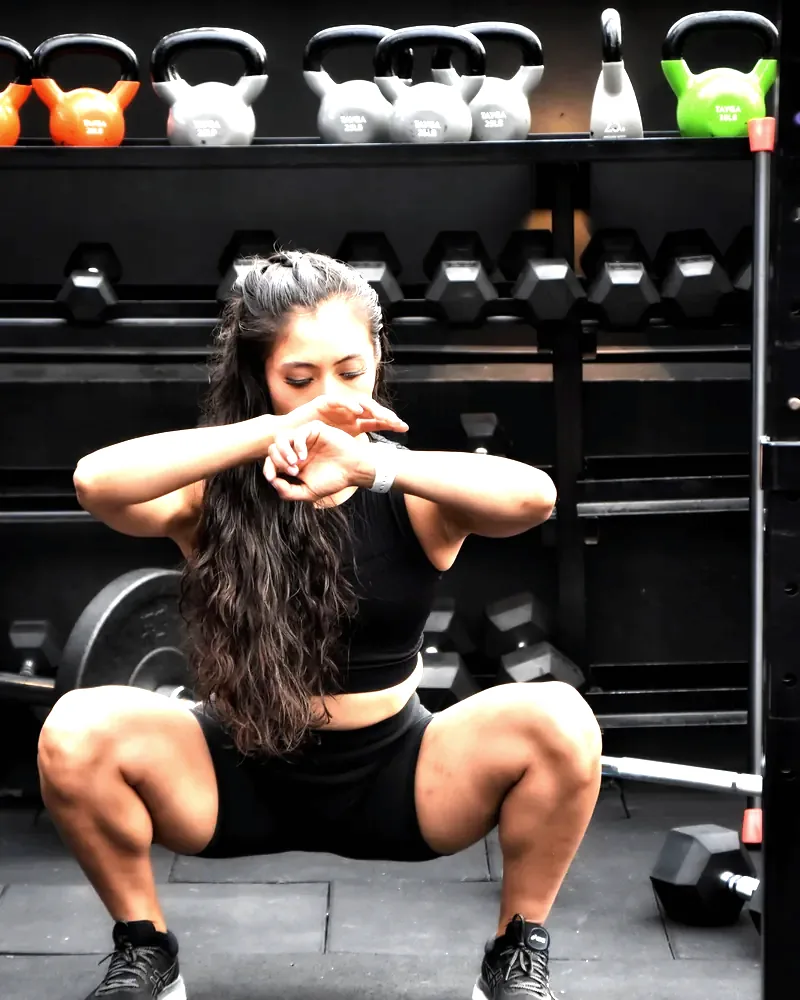
You cannot feed a strength block the way you feed a cut, and a Fitness Racing athlete does not eat like someone eight weeks into a hypertrophy phase. Every discipline in the library is mapped to the diet profiles that suit it, so the food side moves when the training side moves.
Six quick questions. One short list. Pete checks the final choice before it becomes your plan.